Having reliable internet on the road isn’t just a luxury for RVers anymore. For those working remotely while travelling, such as web designers and healthcare recruiters, it’s what keeps the pay cheques coming in. Most digital nomads can easily use up to 1GB of data each workday, which shows just how high the demand is when your office is on four wheels.
Internet access does so much more than pay the bills. It’s how many RV travellers keep in touch with family and friends, hopping on video calls or sending a quick message from anywhere. Plus, it’s hard to get far without real-time maps and GPS apps, which need a good signal for up-to-date directions and any last-minute detours.
A strong internet connection is what makes remote work possible, helps people stay close to loved ones, and ensures nobody is stranded on some obscure country lane. For anyone embracing full-time life on the road, staying online has become almost as important as remembering where you parked.
Challenges of Staying Connected
Remote connectivity gives RVers and campers plenty of headaches, and the reasons go beyond simply being far from a mobile tower.
Natural obstacles, like mountains or thick woods, can interrupt mobile signals. If you’re parked in a tree-shrouded valley or behind a rocky ridge, don’t be surprised when your phone bars disappear. Add to that the metal shell of your RV, which can act like a shield—only instead of protecting you from aliens, it’s blocking your precious data too.
Busy campgrounds pose another major problem. Picture dozens of devices fighting for the same network: things slow to a crawl, and streaming a film is suddenly an exercise in patience rather than relaxation.
Even if you manage to avoid forests, hills and data-hungry neighbours, there’s still the issue of mobile carrier coverage. One provider might be reliable in a certain area, while another is totally absent. This unpredictability often means carrying SIM cards or plans from more than one carrier, or investing in gadgets like signal boosters.
Let’s not forget campground Wi-Fi. Despite what the signs promise, it’s usually patchy at best. When everyone tries to get online at once, the speed drops so low you’ll wish you were back on dial-up. To actually stay connected, most RVers need a toolbox of tricks: juggling different carriers, tech solutions, and a fair bit of patience to keep the signal alive wherever they go.
Cellular Data Solutions
Picking the right mobile data plan can make all the difference when you’re working, looking to stream films, or just want to stay in touch while travelling. If you’re covering a lot of ground, Verizon is often seen as the strongest choice. It reaches more corners of the US with consistent 4G than its rivals, so it’s popular among RV users. Just be aware that once you’ve used up around 22GB, your speed might slow down, which is a bit of a catch for so-called unlimited plans. For most people on the road, though, that’s still enough to do the essentials.
AT&T isn’t far behind and covers most places well, but you might notice the signal drops out in some spots. They’re putting effort into improving and have got better over time, so they’re still a solid shout. T-Mobile is growing quickly, has slightly faster speeds, and lets you use up to 28GB before they slow you down. Plus, they’re handy if your travels take you into Mexico or Canada. Sprint costs less than the others but only makes sense in areas where its signal is reliable, which is a bit hit or miss.
If you’ve ever wanted to throw your phone out the window over bad reception, a signal booster could save your sanity. Cradle boosters work for one device at a time, while area boosters can help more than one gadget. Neither of them will magically give you signal where there’s none, but both can make a weak connection strong enough to actually get things done. A combination of careful data use and a decent booster can keep you working, streaming, and scrolling while everyone else is guessing which way the satnav is sending them.
Public Wi-Fi and VPNs
Public Wi-Fi is a lifesaver when you’re on the move, popping into libraries or your favourite coffee spot for a quick internet fix. Libraries are often quieter and better for getting work done, while coffee shops suit those who don’t mind a bit of background buzz. Both are solid backup options for getting online if you’re running low on mobile data or just want a change of scenery.
The major downside? Security is pretty much an afterthought on most public networks. Because these connections aren’t password-protected, it’s easy for someone nearby to try snooping on your data or even steal your login details.
If you want to protect your private info, switching on a Virtual Private Network (VPN) is one of the simplest steps you can take. A VPN scrambles everything you send and receive, so even if someone manages to pick up your data, they won’t be able to make any sense of it. This is especially helpful if you’re logging into your bank, sending emails with sensitive attachments, or accessing work systems.
Connecting through a VPN can mean your internet speed takes a slight hit, but it’s usually a small price to pay for peace of mind. Frequent users of public Wi-Fi, whether in coffee shops or RV parks, might find services like Private Internet Access give them the extra protection they need to browse without worry.
Advanced Connectivity Solutions
Mobile hotspots are a really handy way to get online while you’re travelling. Compared to using your phone as a hotspot, these dedicated devices let you connect several gadgets without draining your phone’s battery or running up your personal data. Mobile hotspots usually come with bigger data plans, which is great for those long streaming sessions, remote work, or just keeping up with emails, without worrying about hitting the limits on your mobile contract.
For those who find themselves off the beaten track, satellite internet—especially Starlink—can be a lifesaver. While cellular signals may vanish in the middle of nowhere, Starlink has found its fans because it can beam internet almost anywhere on the planet using a network of satellites. Understanding how a satellite dish works on a caravan can also be helpful for those relying on satellite connectivity. It’s quick too, often topping 100 Mbps, so video calls, streaming, or working online is completely doable. That said, it’s more expensive than most mobile plans, and you’ll need an open sky for it to work—so camping under thick trees can be a deal breaker. There’s also the fact that running Starlink takes a fair bit of power, so anyone setting up long-term off-grid should plan their battery and solar setup accordingly.
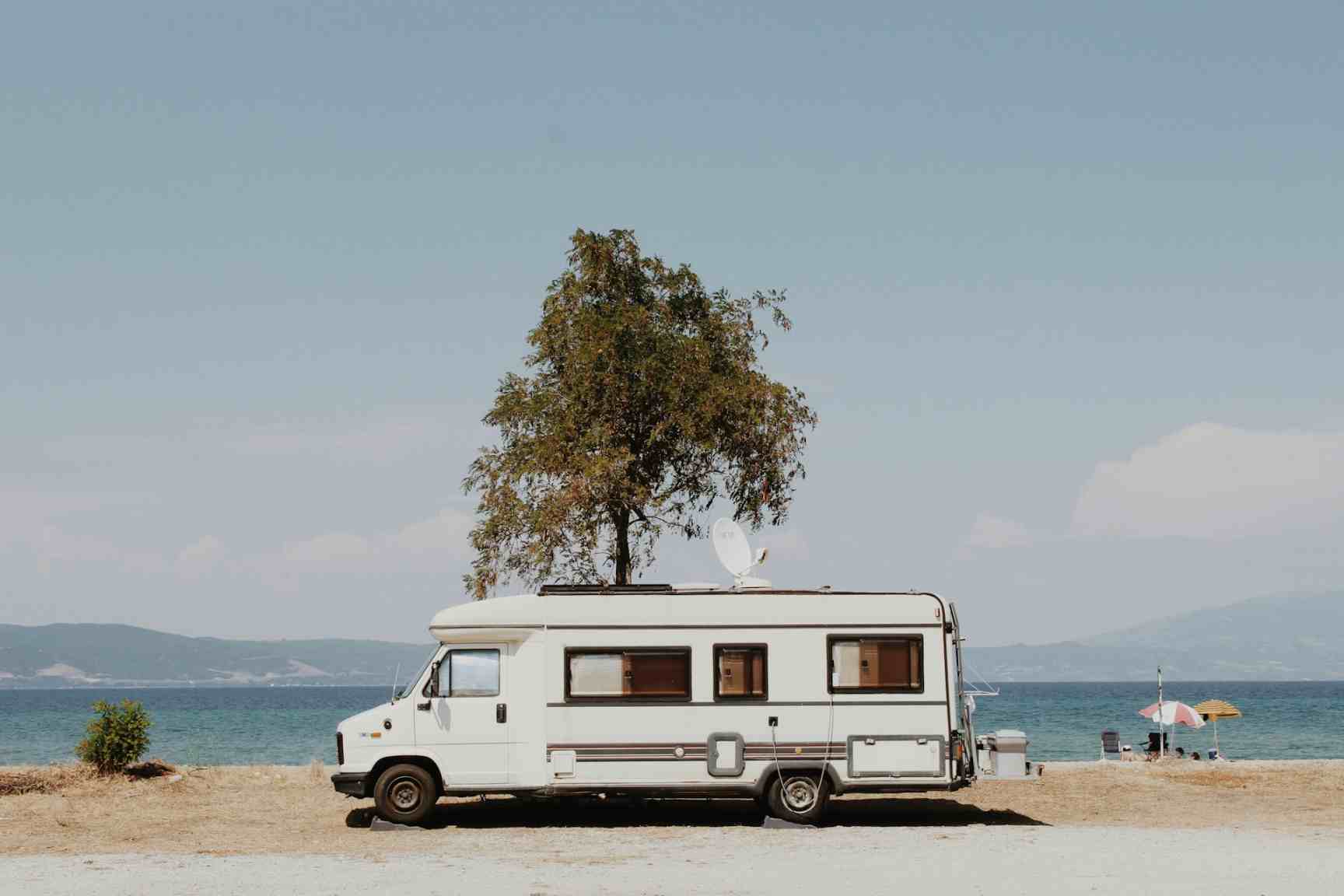
Photo by Evgenia Stergioula